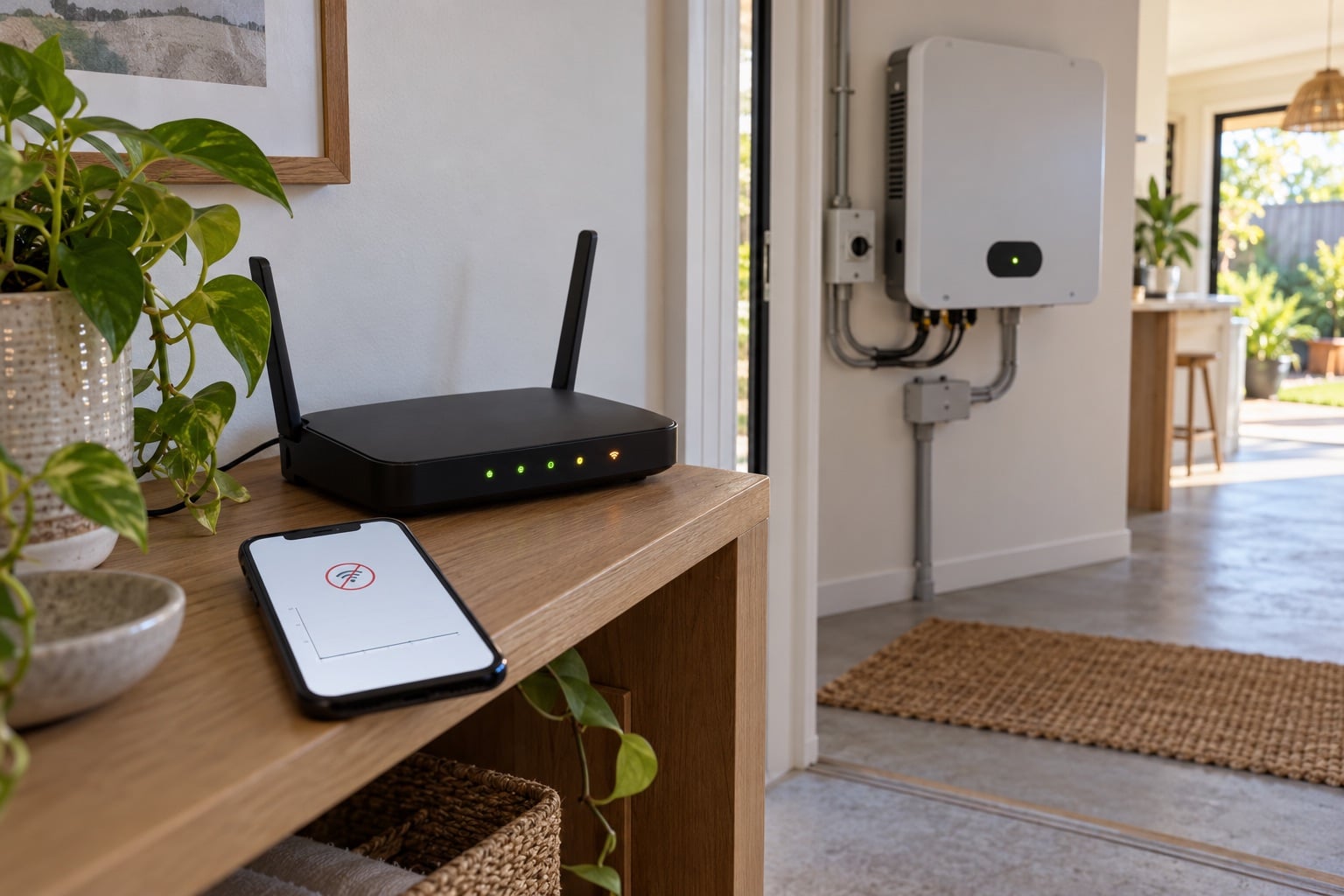
Solar Monitoring App Not Updating? Check This First
A stale solar app graph does not prove your panels have stopped. Check the timestamp, local inverter status and internet link before seeking help.
 Randy Osifo-Doe
If your solar monitoring app is not updating, start with its last recorded time. A blank or frozen graph may mean the internet link stopped sending data. It does not, by itself, tell you whether the panels and inverter have stopped generating.
The useful decision is which part needs attention: the phone account, the monitoring connection or the solar equipment. You can narrow that down without opening a cover, changing inverter settings or guessing from one day's graph.
Check what has actually stopped
Open the app and note the date and time of its most recent reading. Look for a connection message, a fault code or an account sign-in request. Take a screenshot so you can compare it after the issue is resolved. If the app shows several devices, check whether only one stream is stale; some apps receive solar generation, household use and grid data from different places.
The Australian Government's monitoring guide explains that an app may get data from an inverter, battery, extra monitoring device or smart meter. Its local inverter display can show operating status, today's generation and fault codes even when historical app data is unavailable. Read only the display or indicator the installer showed you; do not remove a cover or alter a protected setting.
If the system has no accessible display, do not assume that a normal-looking light proves output. Record exactly what you can see and ask the installer how to check this model safely.
Separate an internet problem from a solar fault
Think back to what changed just before the graph froze. Was the home router replaced, the Wi-Fi name or password changed, or broadband interrupted? Government guidance says a monitoring device may use Wi-Fi, a wired network, built-in mobile data or another connection. A router change matters for some setups and has no direct effect on others.
Use this short decision aid:
| What you observe | What it suggests | Next check |
|---|---|---|
| App timestamp is old; local inverter display shows normal daylight generation | A missing data link is plausible | Check your home internet and the documented monitoring connection |
| App asks for sign-in or another household member can still see current data | Account or phone access may be the issue | Use the official account-recovery path |
| Inverter display shows a fault code or no expected daylight generation | A system fault is possible | Record the code and contact the solar retailer or installer |
| App and local display are both unclear | Cause is unresolved | Ask the installer to check rather than changing settings yourself |
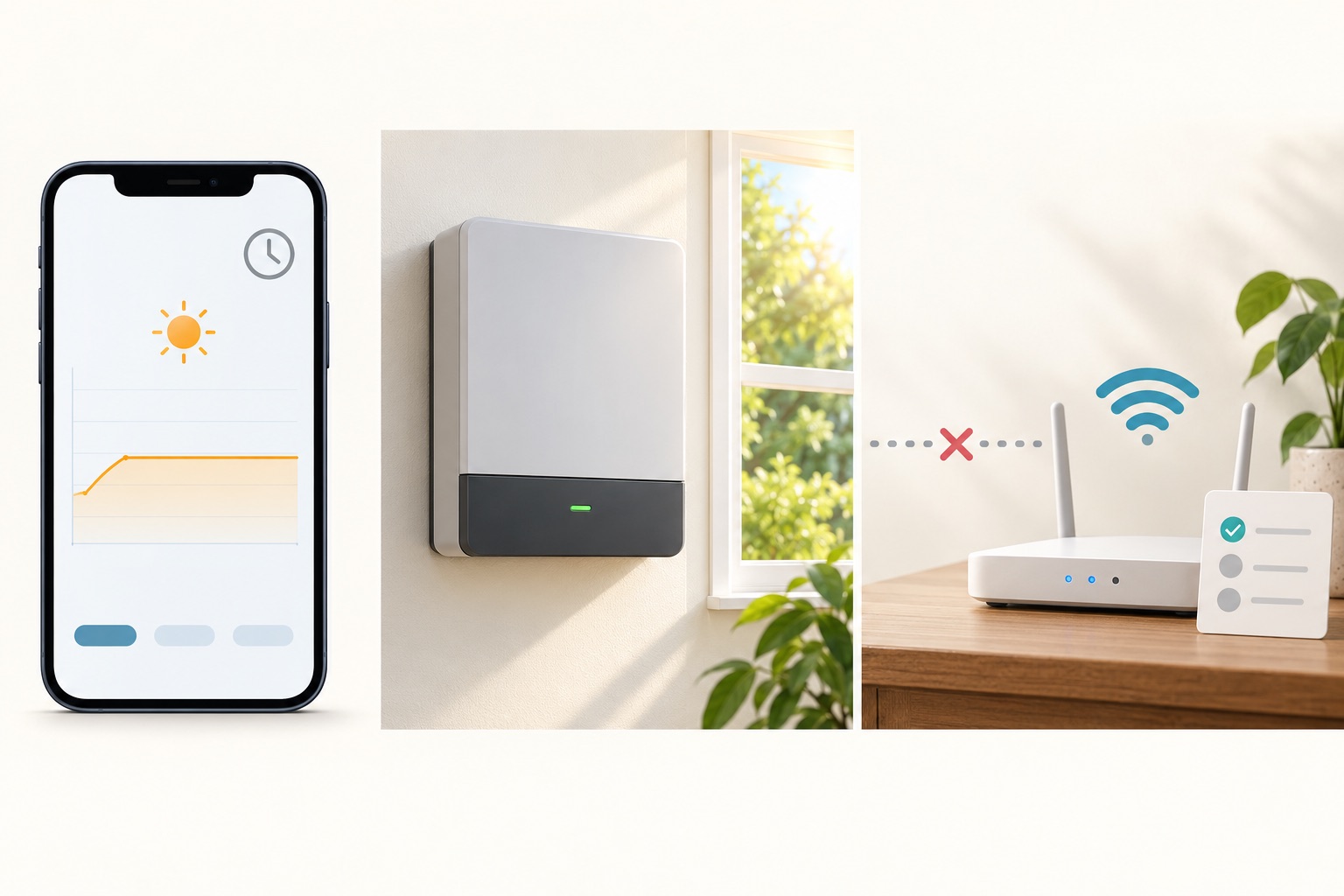
The app, inverter display and internet link are different observations. This is a decision aid, not a wiring diagram.
This is where I think homeowners should slow down. A phone graph is convenient, but it is not a substitute for checking the local system status. Equally, a connected app does not prove every panel is performing properly. Our monitoring app guide explains what each data stream can and cannot show.
Reconnect through the official route
Check that another device can use your home internet. If the network itself is down, resolve that first. Then find the monitoring handover instructions or the manufacturer's official support page for your equipment. The reconnection steps differ by model and by whether the inverter, a separate logger or the battery sends data. Your installer may need to restore the link.
Do not reset the inverter, turn electrical switches on and off or follow a video for a different model simply to recover a graph. Avoid sharing your router password or app login in a public forum. The Australian Cyber Security Centre's device advice supports keeping the home network secure, and our inverter app security checklist helps you check account ownership and authorised access.
The Australian Government's installation guidance says the installer should set up an included monitoring app and show you how to use it. If that handover never happened, ask the solar retailer for the app name, account owner, connection method and official recovery instructions in writing.
When to ask for help
Contact the solar retailer or installer if the local inverter shows a fault, generation appears absent during normal daylight conditions, the connection keeps dropping or you cannot identify the monitoring device. The Government's maintenance guidance recommends checking app warnings and contacting the retailer or installer when performance is not as expected.
Send the app's last-update time, screenshots, any visible inverter message, the date of a router or account change and your system details. That gives the support person a better starting point than “the app is broken”. If the system itself is working but monitoring remains offline, keep a note of the gap so you do not treat the missing data as zero generation when reviewing later trends or your first solar bill.
Your next step is simple: check the timestamp and safely visible inverter status, then use the documented connection or support route for your equipment. Keep those details with your installation handover pack for the next time your home internet changes.
Sources checked
Last reviewed October 2026
This guide is reviewed against current Australian solar policy and market guidance where available. Confirm retailer prices, rebates, and product eligibility before making a purchase decision.
Randy Osifo-Doe is the Brisbane-based founder and lead writer of Aussie Solar Guide. His background is in finance, banking and household budgeting, and he writes from lived experience as a solar homeowner. He is not presented as an engineer, electrician, solar installer or renewable-energy professional.