Solar Inverter App Security: A Homeowner Checklist
A practical checklist for protecting access to your solar inverter or battery app without changing technical system settings.
 Randy Osifo-Doe
Solar inverter app security is easy to overlook when an installer is finishing the job and you just want to see the generation graph. But that app may connect to your inverter, battery or an extra monitoring device through your home internet, so the login and support details deserve the same care as the warranty documents.
The practical aim is simple: make sure your household controls the account, uses a unique password and knows how updates and future support work. You do not need to become a cyber specialist, and you should not change protected inverter or grid settings yourself.
Know what is connected
The Australian Government's solar monitoring guidance explains that monitoring may come from an inverter display, a website, a phone app or an extra device connected to the inverter, battery or smart meter. The internet link might use Wi-Fi, a wired LAN connection, Bluetooth or built-in mobile data.
That means there can be several separate accounts or connections: the app login, your home router, an installer portal and sometimes a third-party monitoring service. This is where I think homeowners need to slow down. Seeing a graph on your phone does not automatically mean you have full account ownership or know who else still has access.
Use this handover checklist
Ask the installer to show you each item while the system is being handed over. If the app setup is delayed because the network or metering step is still open, record who is responsible and follow the solar switch-on checklist.
| Check | What you need |
|---|---|
| Account owner | Your email address is the primary household account, not a temporary installer address |
| Unique access | You can set a long, unique password and enable multi-factor authentication if the service offers it |
| Updates | You know whether device and app updates are automatic, who applies them and where notices appear |
| Support life | The manufacturer states how long security updates are expected and how to report a security issue |
| Other users | You can see or request a list of installer, household and third-party access |
| Recovery | You have the official account-recovery and support path stored with the system documents |
Do not ask the installer to share a common technician password with you. The better outcome is a proper homeowner account with clear permissions and an official recovery process.
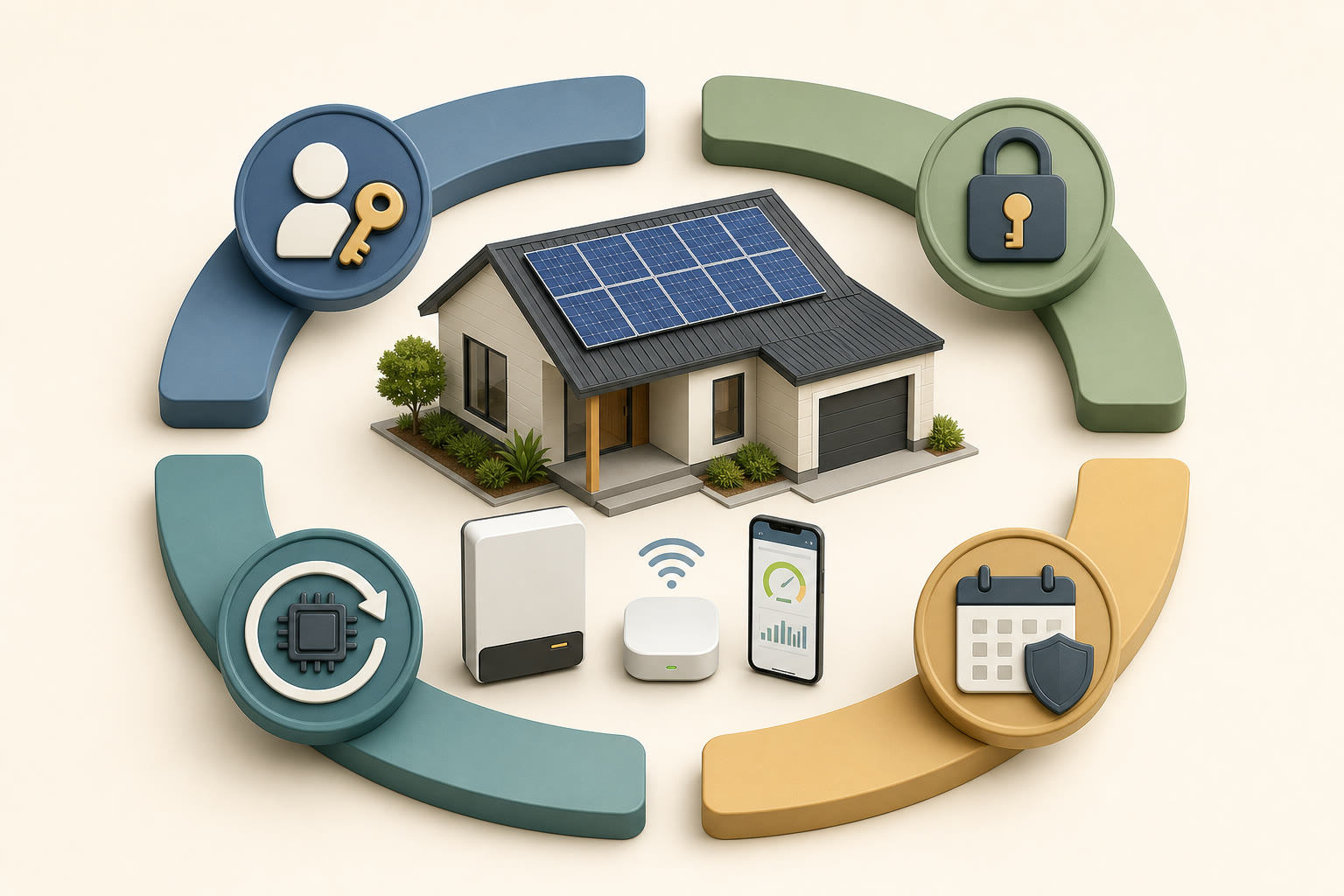
The useful security layers are account control, unique access, ongoing updates and a clear support period. The exact controls depend on the equipment and app.
Treat access as part of the system record
The Australian Cyber Security Centre's guidance for internet-connected devices specifically includes solar inverters. It recommends checking whether passwords can be changed, whether the manufacturer provides updates, what data is collected and how long support will continue.
Keep the app name, account owner, manufacturer support page and update information with your warranties and electrical paperwork. Do not store the password itself in the same document. A password manager is the cleaner option if you use one.
If you are moving into a house with solar, ask the previous owner or agent for the official account-transfer process. Do not rely on someone simply sharing their login. The old account may contain personal data, and shared credentials make it harder to know who still has access.
Keep the setup current without guessing
Install app updates from the official app store and follow the manufacturer's documented process for device updates. Review authorised users after an installer changes, a household member moves out, a property changes hands or you leave a third-party service.
There is an important boundary here. A homeowner password or app update is not permission to alter inverter protection, export or battery operating settings. If the app exposes technical controls you do not recognise, stop and contact the installer or manufacturer through an official channel.
Check the system's performance separately. The solar monitoring app guide explains how to compare generation, household use and grid flow. Security checks protect access; they do not prove the solar system is performing correctly.
What to check next
Add these security questions to the same conversation as warranty support and monitoring access before you accept a quote. If the retailer cannot explain account ownership, updates or the support period clearly, ask for the answer in writing before installation. Then keep the final handover record where the next homeowner can find it.
Sources checked
Last reviewed August 2026
This guide is reviewed against current Australian solar policy and market guidance where available. Confirm retailer prices, rebates, and product eligibility before making a purchase decision.
Randy Osifo-Doe is the Brisbane-based founder and lead writer of Aussie Solar Guide. His background is in finance, banking and household budgeting, and he writes from lived experience as a solar homeowner. He is not presented as an engineer, electrician, solar installer or renewable-energy professional.